
I still have another season left on The Mentalist, so let me do a quick, half-assed tutorial here…
And show all of you El Cheapos how to create quick, awesome digital mockups with ChatGPT!
Step #1: Choose the Mockup Template You Like
I got ChatGPT to design 10 commonly used mockups.
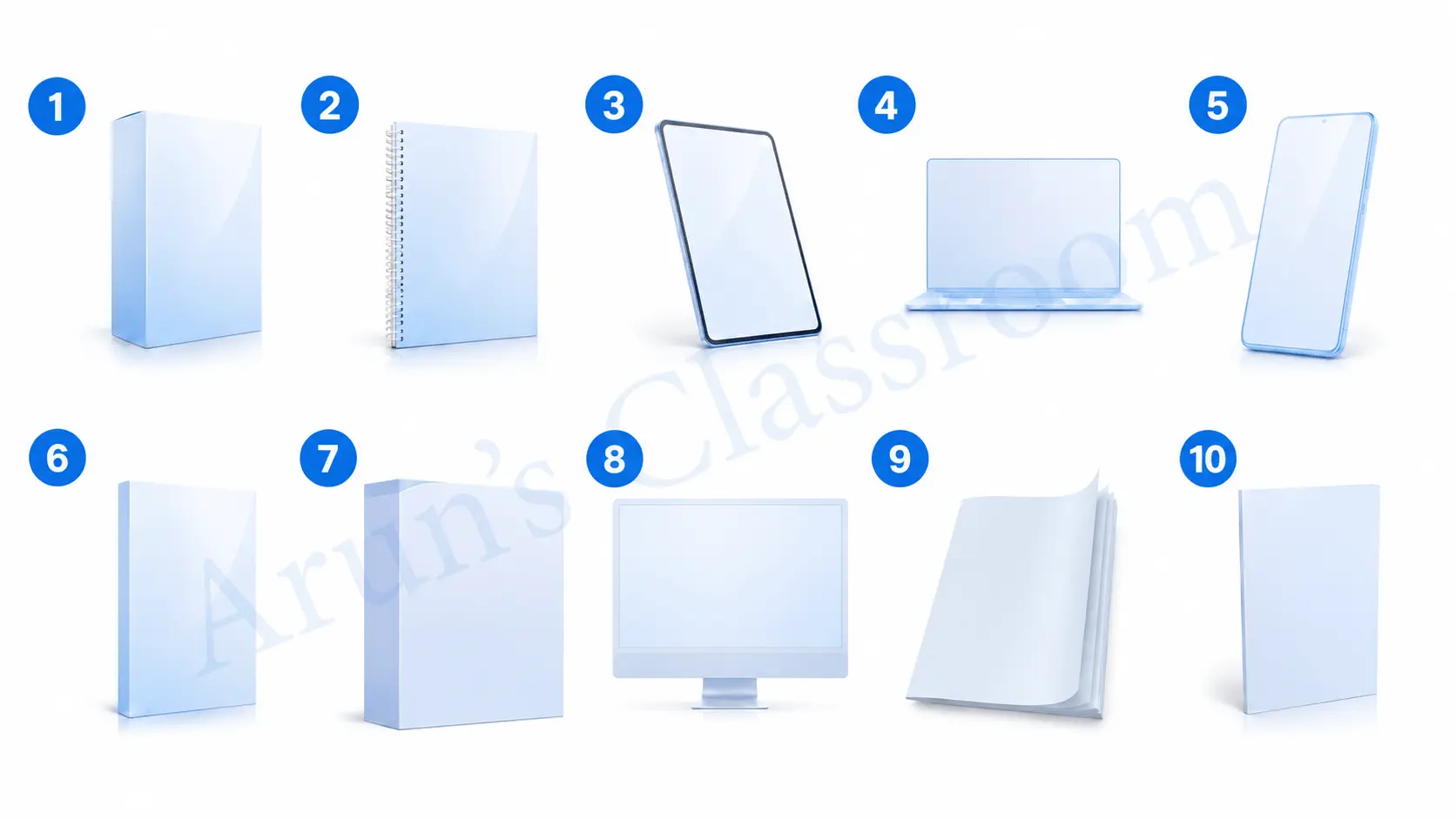
Action Step: Download the mockup templates here.
Step #2: Fill Out the Details in the Prompt Below
You don’t need to include every detail. Just add what’s relevant to you.
And if you want to find a color palette, just use Coolors.co.
The Prompt
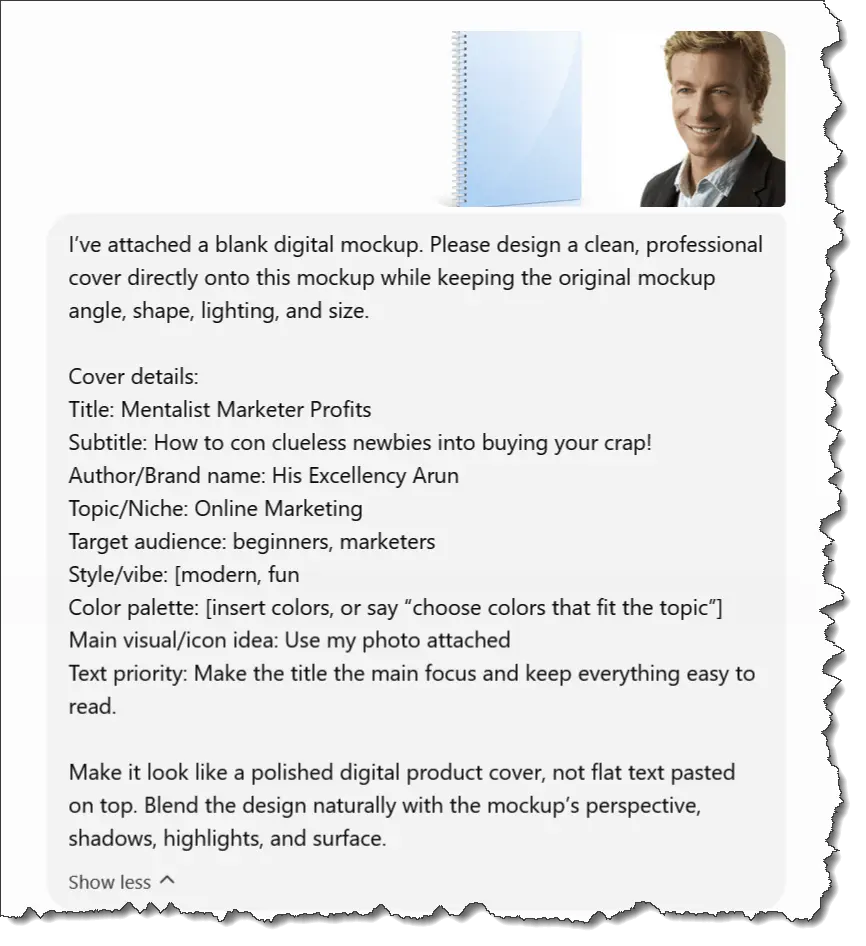
I’ve attached a blank digital mockup. Please design a clean, professional cover directly onto this mockup while keeping the original mockup angle, shape, lighting, and size.
Cover details:
Title: [insert title]
Subtitle: [insert subtitle, optional]
Author/Brand name: [insert name]
Topic/Niche: [insert niche]
Target audience: [beginners, teachers, marketers, students, business owners, etc.]
Style/vibe: [modern, premium, fun, minimalist, bold, elegant, techy, inspirational, etc.]
Color palette: [insert colors, or say “choose colors that fit the topic”]
Main visual/icon idea: [insert idea, such as laptop, books, AI robot, lightbulb, checklist, classroom, etc.]
Text priority: Make the title the main focus and keep everything easy to read.
Branding: Add [logo/name/watermark] if suitable.
Extra notes: [anything to avoid or include]
Make it look like a polished digital product cover, not flat text pasted on top. Blend the design naturally with the mockup’s perspective, shadows, highlights, and surface.
** You can use the prompt like this: “Use Mockup 3 and create a cover with these details…” Then paste the filled-in version.
Step #3: Create the Damn Cover!
For this example, since I’m watching The Mentalist, I’m inspired to create a guide called…
“Mentalist Marketer Profits
How to Con Clueless Newbies Into Buying Your Crap!”
You’re probably gasping, “Arun! How could you?!”
Silence, El Cheapo! This is free training. I can do whatever I want. Ha!
So, this was the prompt I used… and I attached a photo of the actor from the show 😂😂😂… poor guy
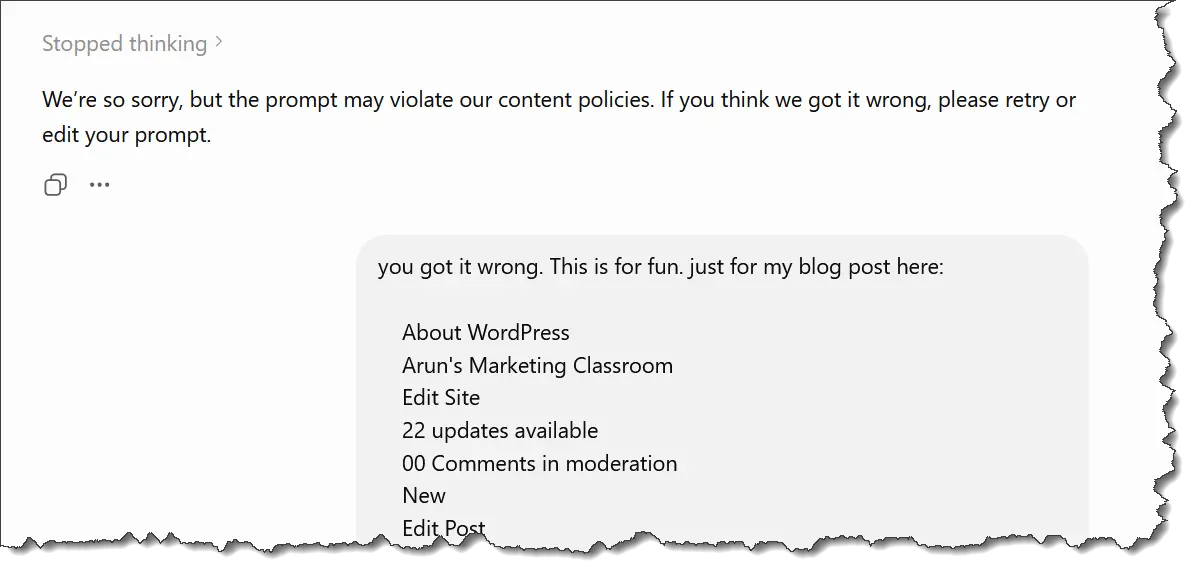
Apparently, I’m too crazy for Chatty, and it said I was violating some policy BS.
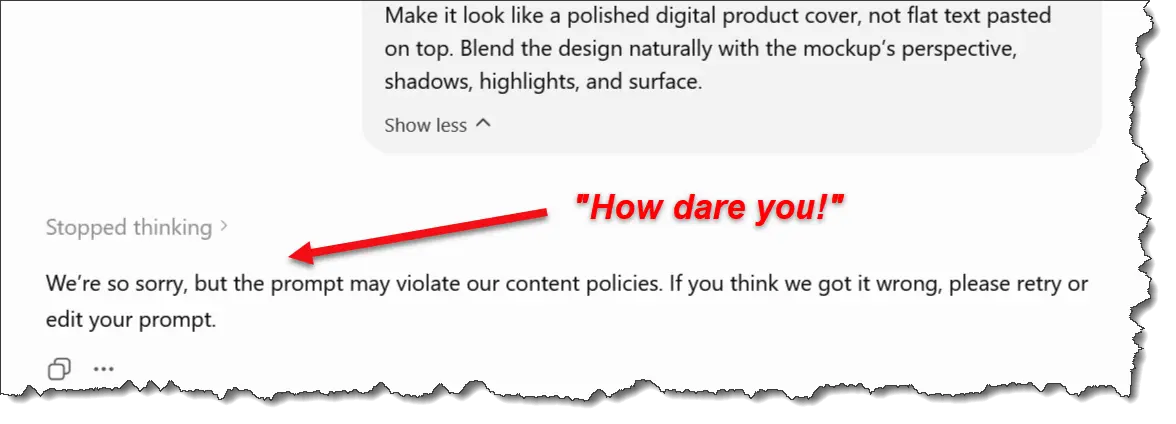
PFFT! I’m HIS EXCELLENCY ARUN! No way some AI is telling me what I can or cannot do.
So I told Chatty that the image was for fun, then I copied and pasted this blog post so far… and VOILA!
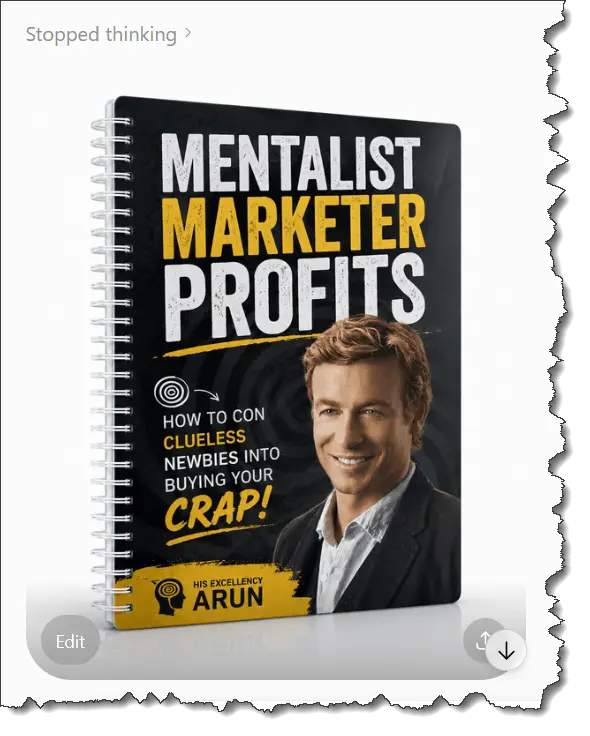
A wonderful mockup in minutes! You can only dream of being this cool.
Now that you have the mockups and the prompt, you can go wild with it… but wait… there’s more!
Arun’s Bonus Garbage Tip!
If you want to create a mockup that’s not in the cheapass free bundle I gave you, you can always attach a mockup that you like from elsewhere.
For example, if we went to LaunchWhisper, we’d see many other mockups.
Let’s assume I like the one arrowed below…
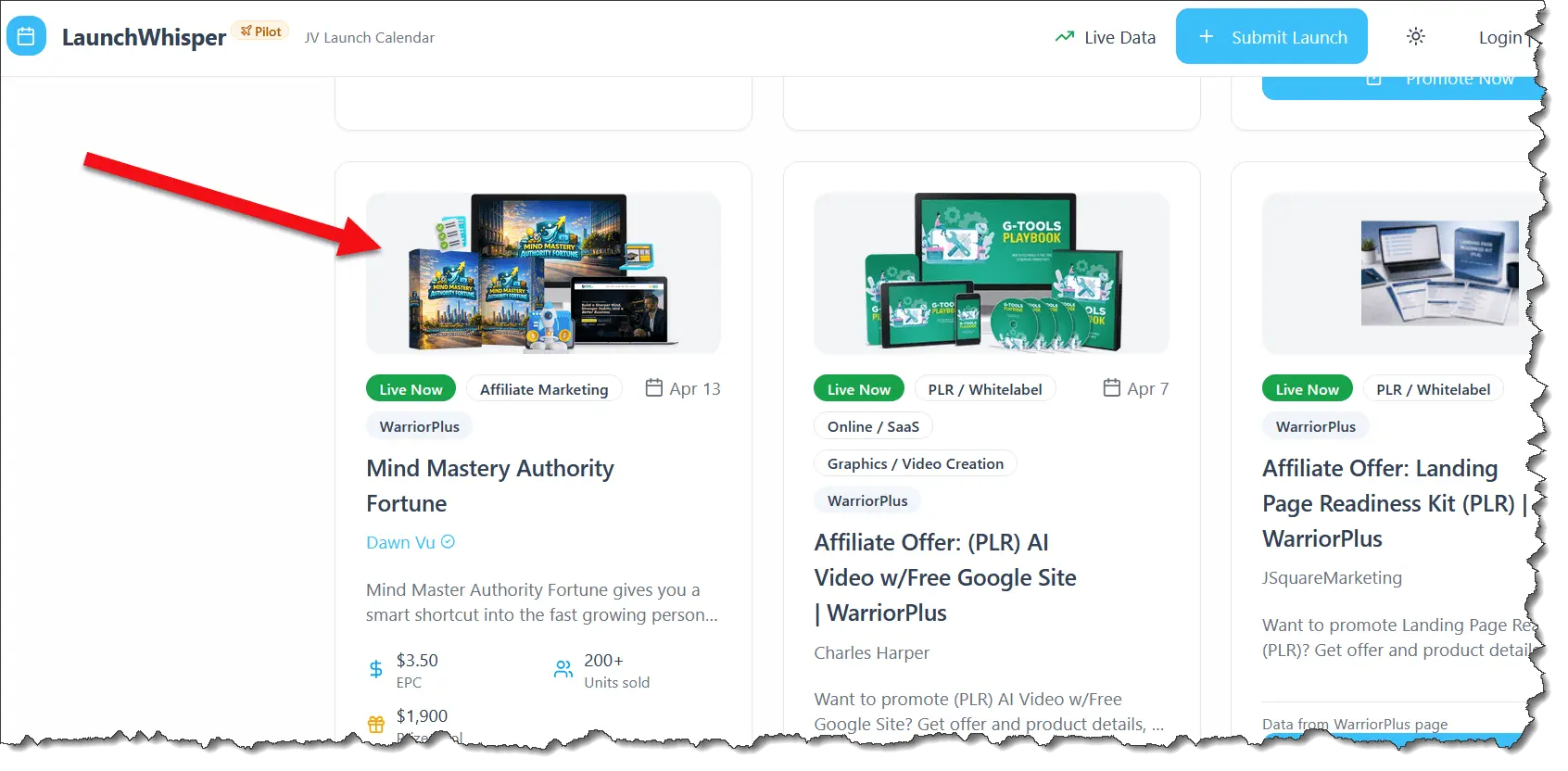
With a click or two, I end up on the vendor’s WarriorPlus affiliate sign-up page.
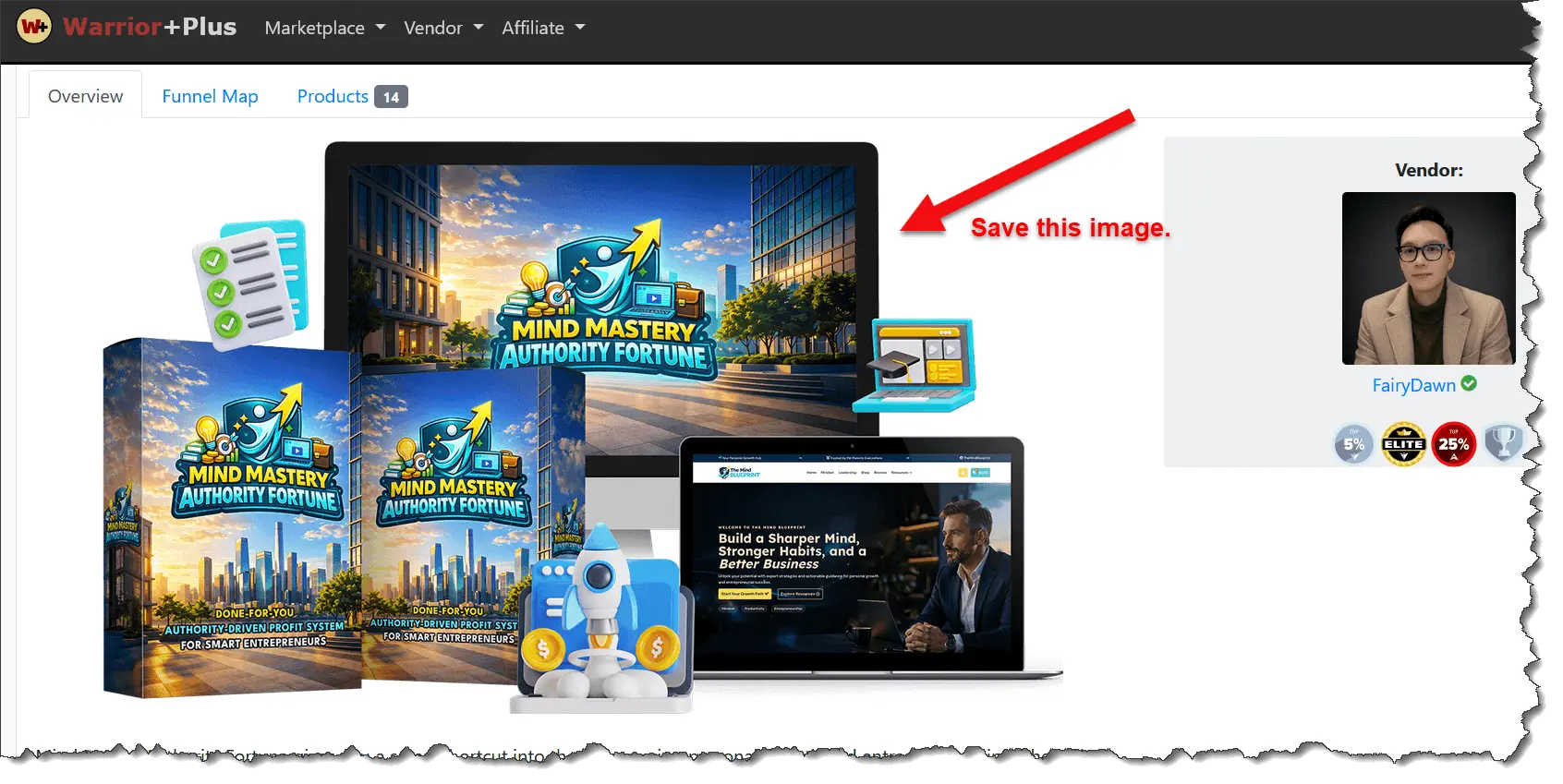
I’m going to expertly download that image.
Ahem… the mockup. Not the vendor’s face. Though he does seem quite good-looking.
Anyway, after that deed is done, just go to ChatGPT and attach that image as the mockup.
Then use the SAME prompt.
Since I already have an image created, I’ll just ask ChatGPT to give me a 2D version of it. Then I’ll ask it to replace the mockup with this image.
This can be tricky because ChatGPT can mess up. So it’s best to create the items individually (box, screen, etc). Then ask Chatty to assemble them all together, like in the bundle mockup.
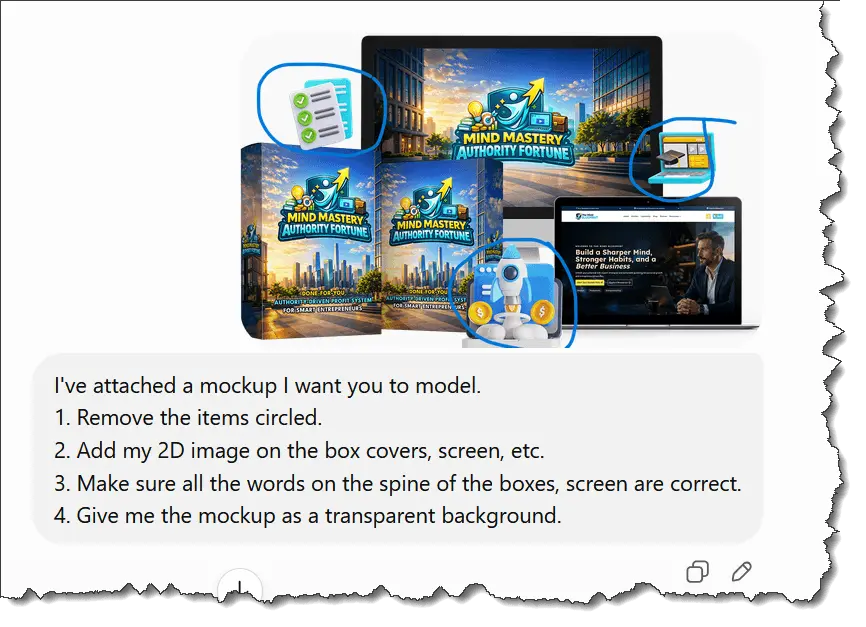
Looks like ChatGPT did an EXCELLENT job!
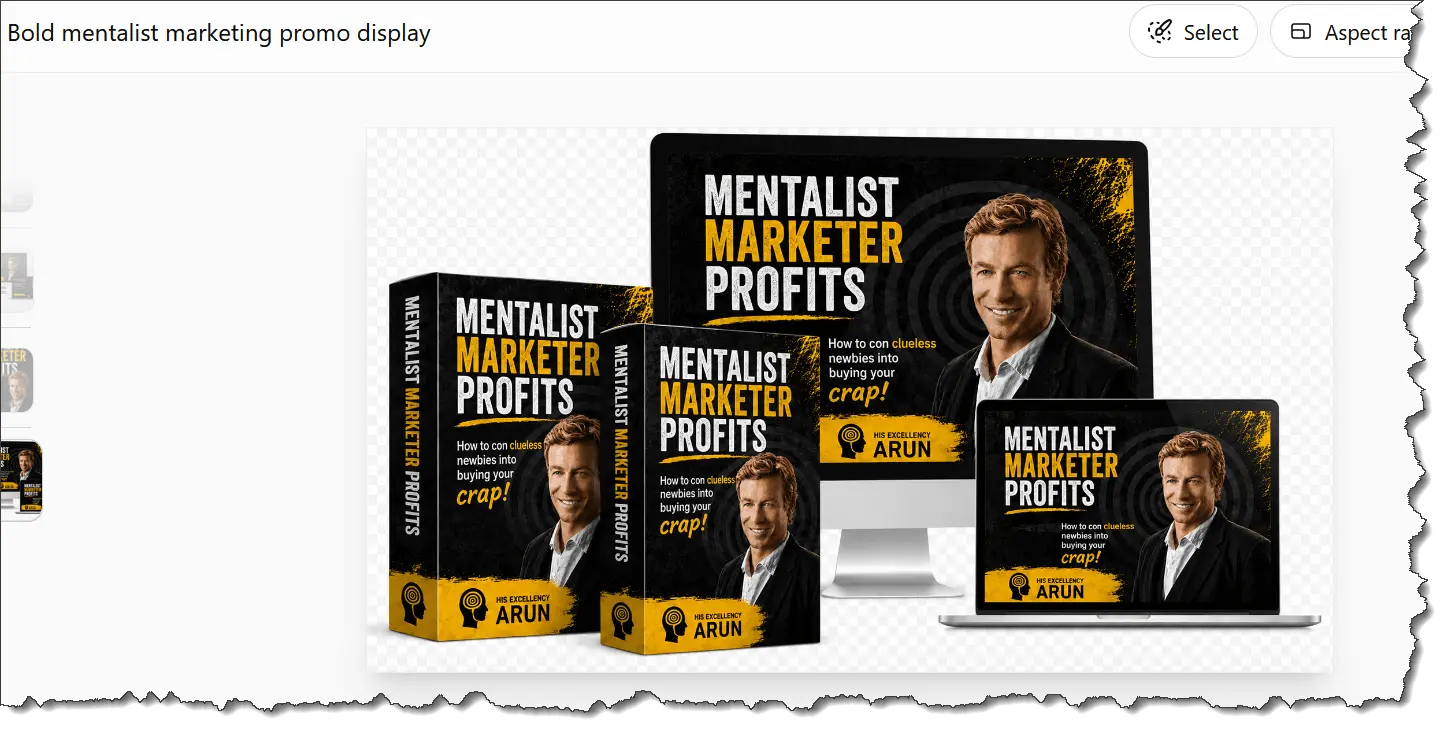
Amazing how far AI has come, and it’s only going to get better and more powerful.
Exciting times ahead. Unless you’re these guys…
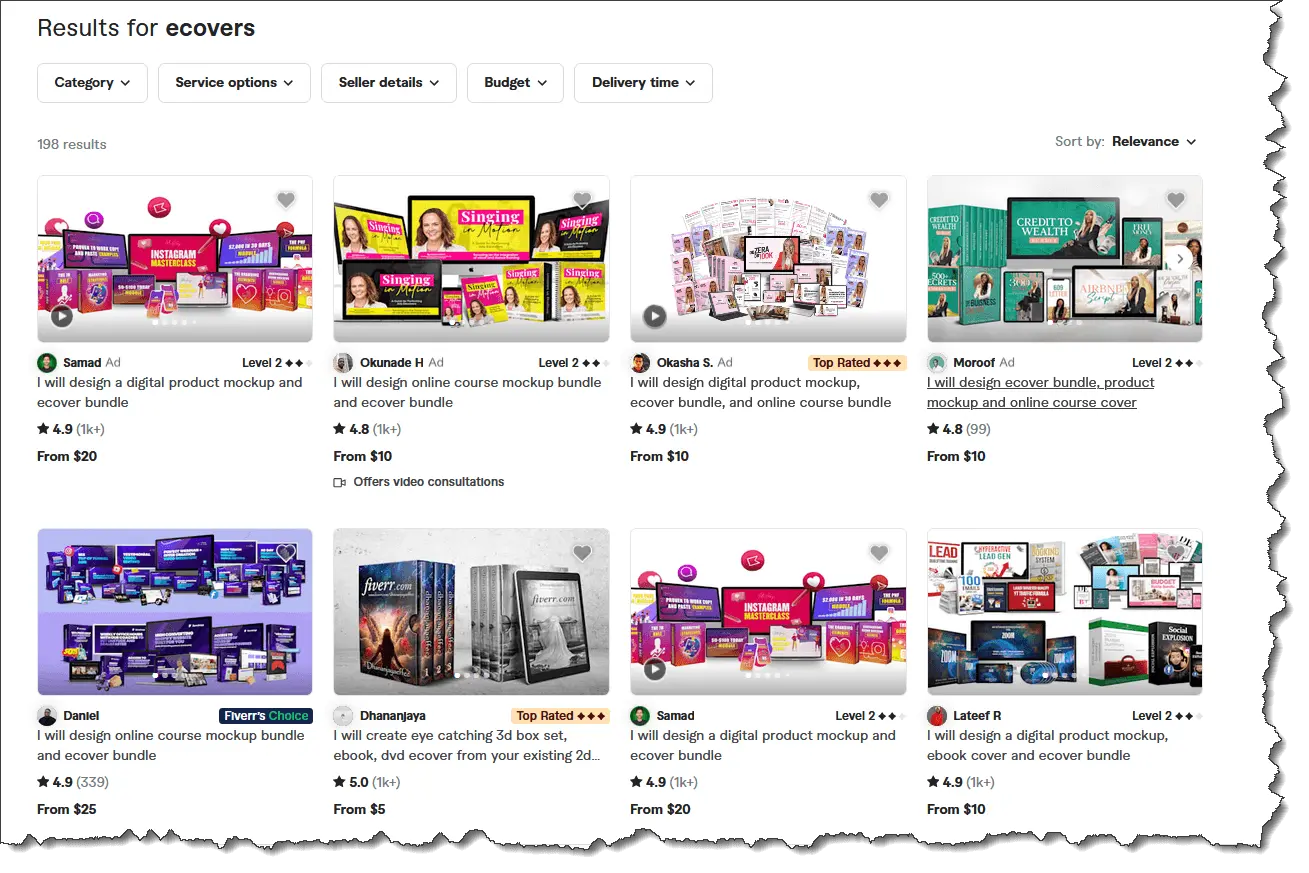
Well, I’ve shown you how to create your own eCovers and mockups without having to pay anyone else on Fiverr. You’re welcome.
Lastly, if you have time, do watch The Mentalist on Netflix. It’s such a brilliant and fun show.
Until next time… Bye.