
I mostly use ChatGPT for proofreading, but recently, I discovered 3 ways I could use it to do stuff I never thought possible.
Let’s get straight to it…
ChatGPT Can Actually Read My Terrible Handwriting!
I don’t always work on the laptop. Usually, when I’m outlining articles, I’m on the couch scribbling with pen and paper. Then I get my long-suffering wife to type them out.
This time I wondered, “Hmm, instead of asking her to type… could I get Chatty decipher my shitty writing?”
After outlining an article on Instagram branding… I took a photo of it.
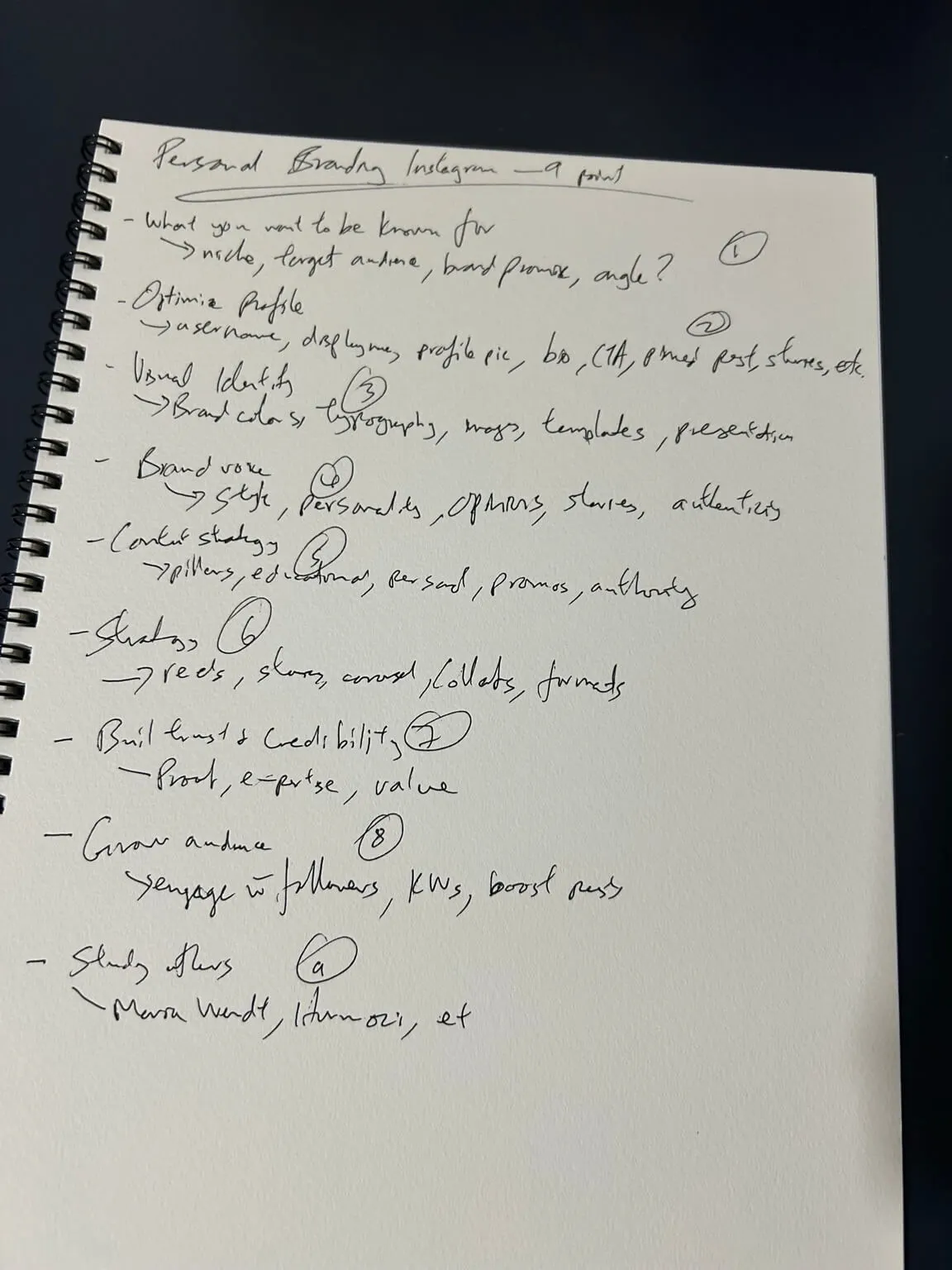
And I asked Chatty to transcribe it.
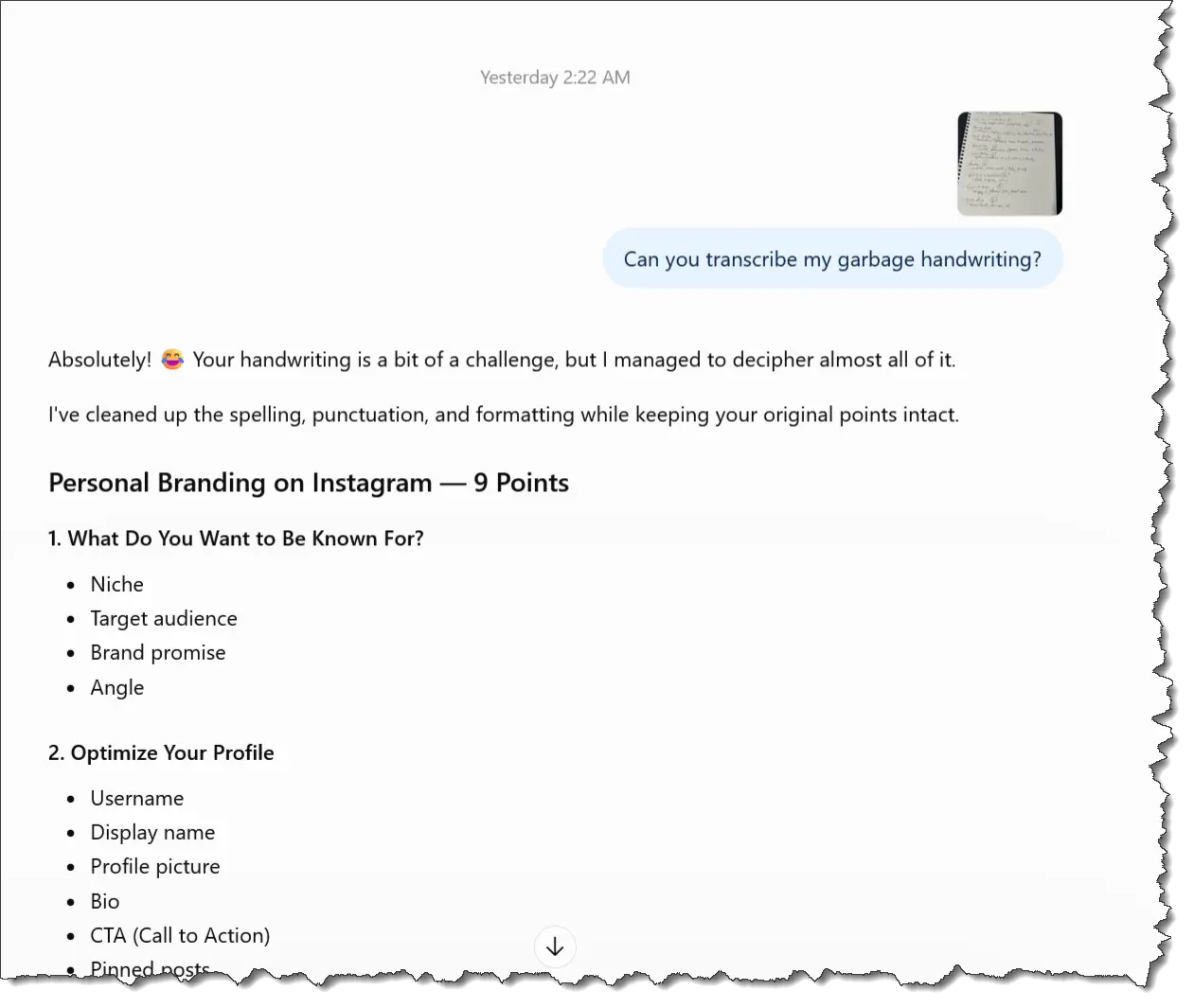
Unbelievable. It actually understood my writing, despite calling it a “challenge.”
It helps if you download the ChatGPT app on your mobile phone. Then you can easily take a photo with your phone and upload it to the app. Instant transcription.
So now, my wife will never need to type out my notes. Ahem… yet another person who has lost her job to AI 🤣
Can ChatGPT Design a Better Sales Page Than Me?
I’m quite proud of my ugly sales pages. Seriously.
Here’s one I created for my latest Skool PLR…

While I think it’s good, I did wonder, “Could AI do a better job?”
So I took a full-page screenshot of my sales page and sent it to Chatty. (If you wish to take screenshots, here are 2 extensions you can use: Chrome | Firefox)
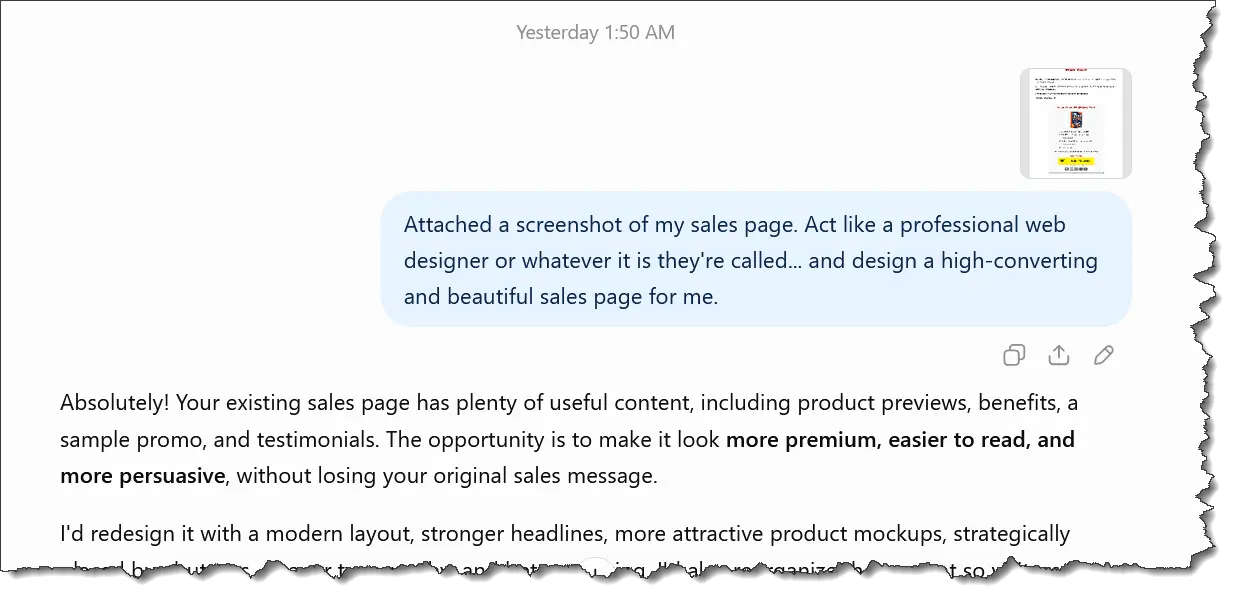
And Chatty created a sales page for me…
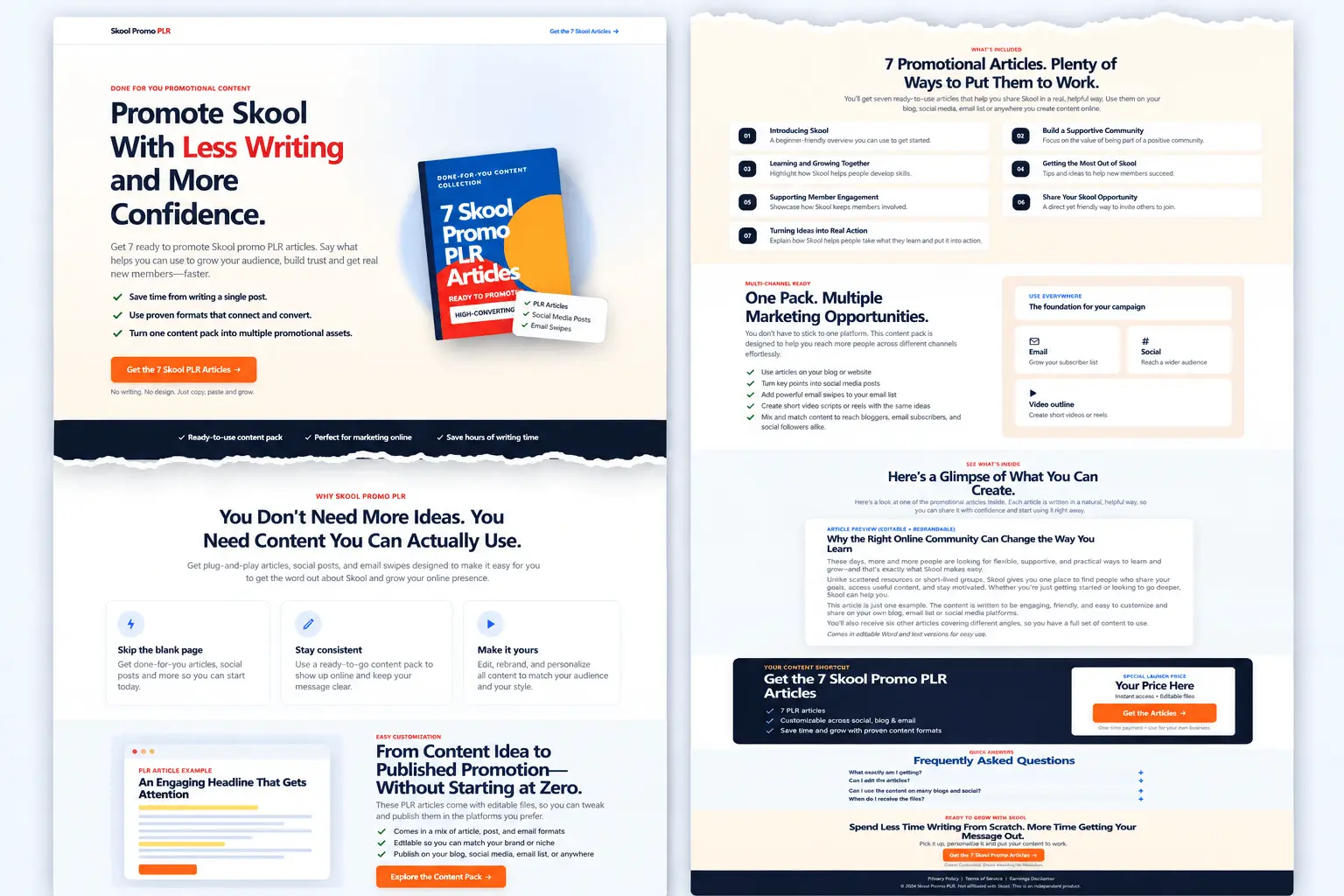
You can see the full sales page here.
The sales page is decent and all… but I won’t be using it. These days, everyone’s sales pages look the same because they’re all using AI.
It’s faster to build – but if every page looks the same, how will yours ever stand out?
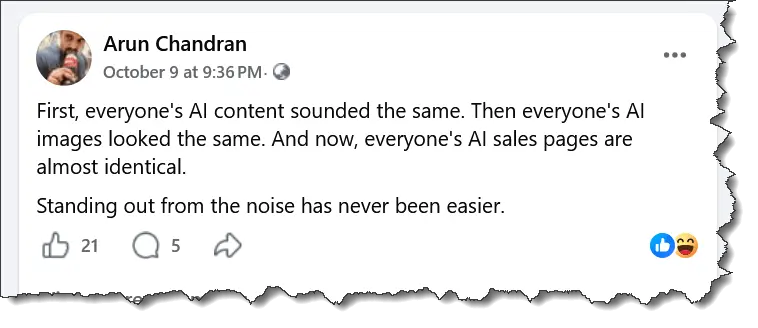
Whatever the case, AI can give you some ideas for your page. So use it wisely.
Oh… one more thing – the ‘split’ image above was also created with AI.
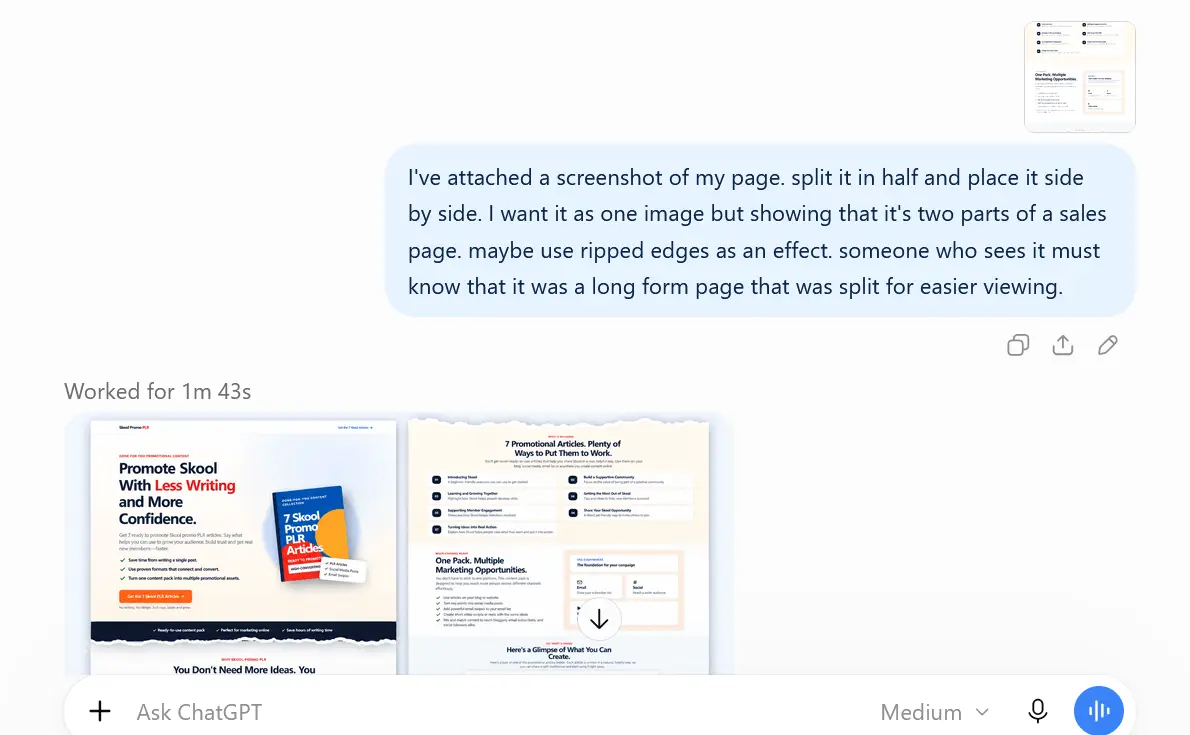
Truly amazing how you can use Chatty to do so much.
Talking to ChatGPT Instead of Typing
This one truly shocked me. I don’t know if I’m behind everyone else or what… but I just saw the little microphone icon on the app a few days ago.
Quick Note: To use dictation, simply tap the microphone icon in ChatGPT’s message box and start speaking.
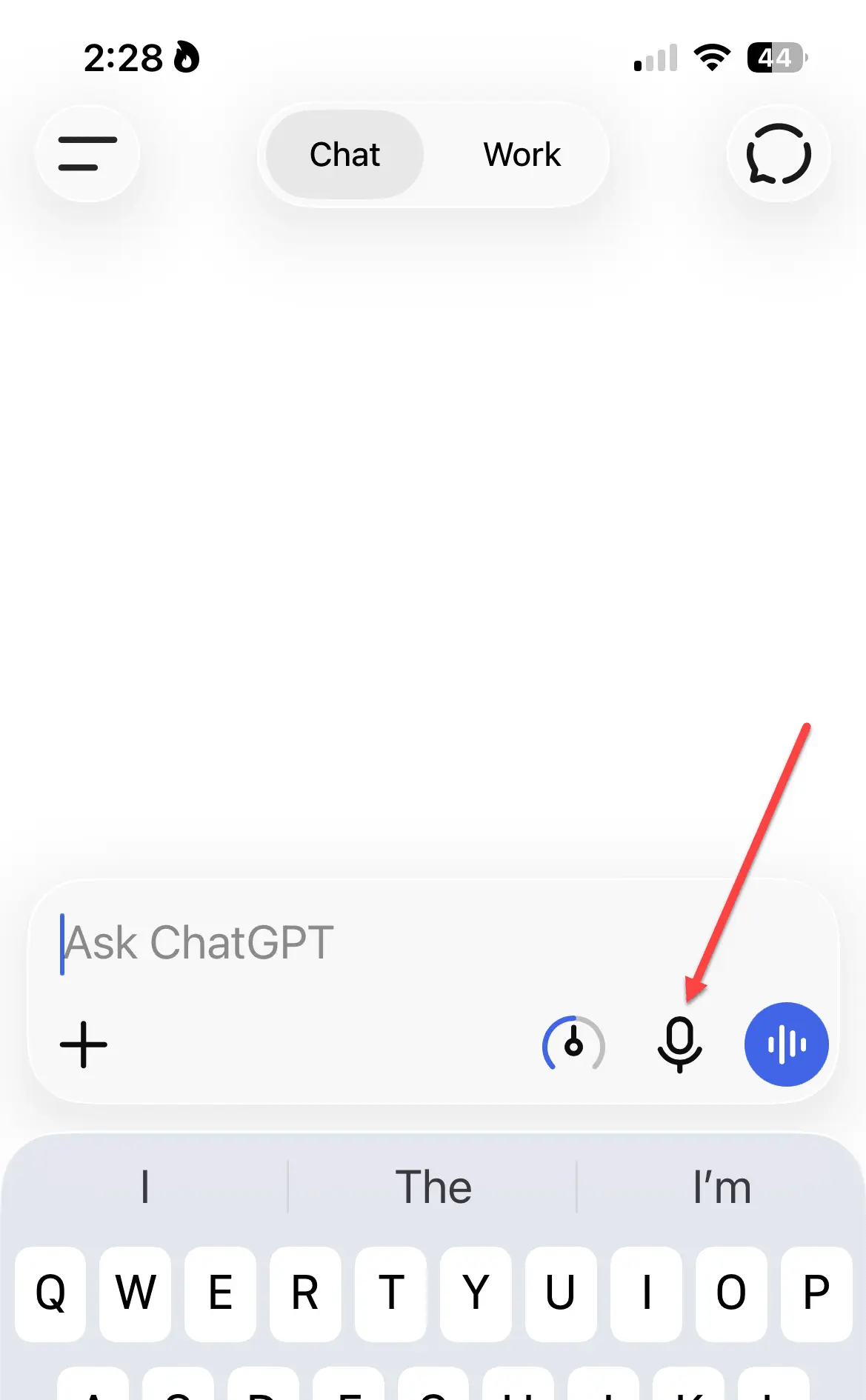
Then I realized I could dictate into it… but I was hesitant.
With my wretched accent, would Chatty be able to understand what the hell I was saying?
Well, I tested it out – AND IT DID! I was truly blown away by this one.
So now, you can just dictate instructions into Chatty and let it do the rest. Everything is faster when you can talk instead of typing. Do give it a try.
Now, before I end this post…
Let me just say – these are not mind-blowing features, and I’m sure others have been using them for a while now.
But I only recently discovered I could use ChatGPT in these ways. So I’m telling you, just in case you’re unaware.
Don’t be one of those clowns who emails me and says, “Arun, I’ve been using these features since 1986. I’m surprised you didn’t know.”
Silence!
Just use AI to save time on tasks in your business. Quite frankly, despite all that Chatty can do with content creation and stuff… I’m most impressed by how it can read my atrocious handwriting and understand my wretched accent.
We live in interesting times. Make the best of it.