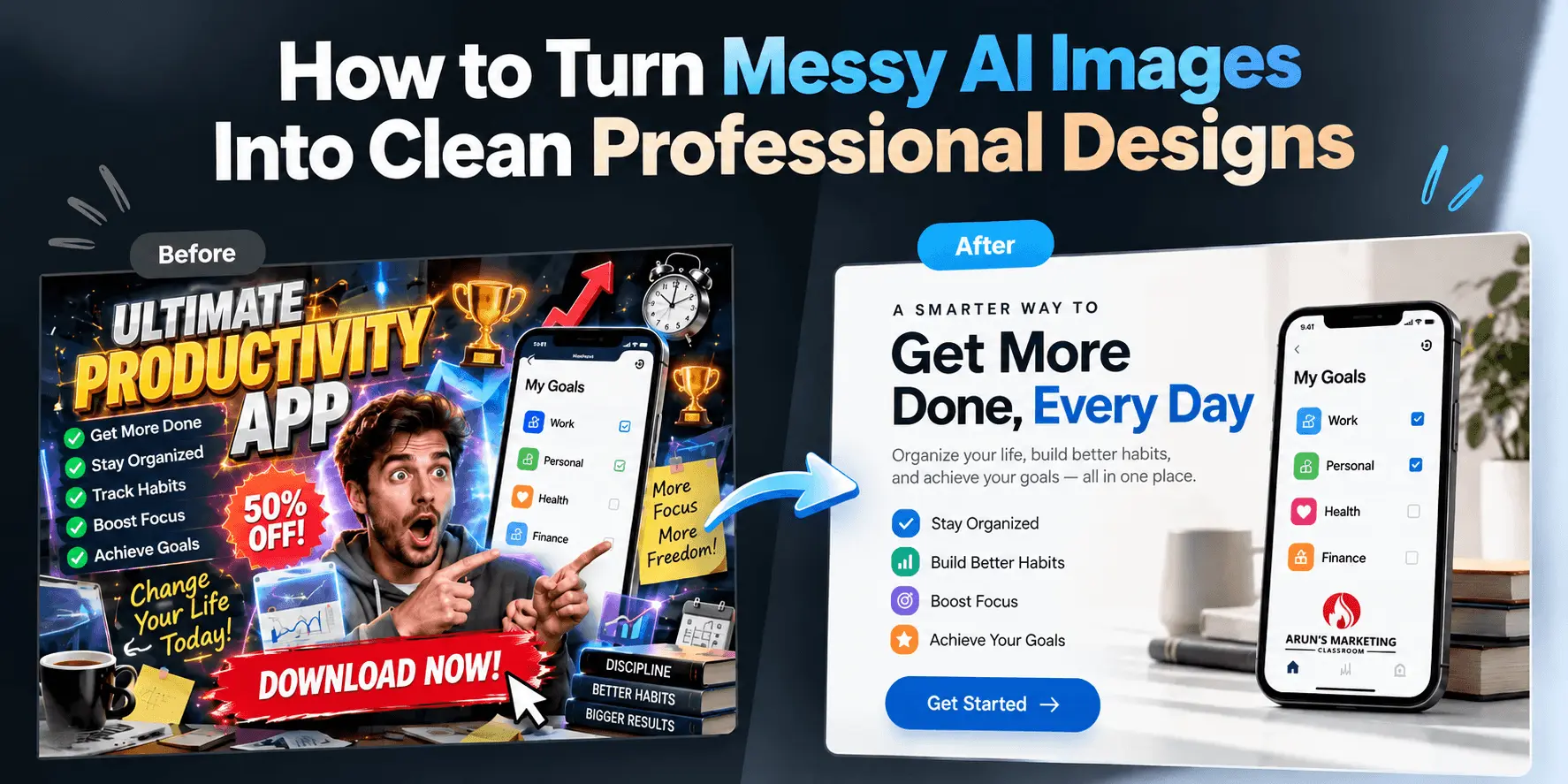
Let me say this and piss everyone off… “Nobody loves AI images more than marketers who are generating this AI slop.”
Seriously. I’ve seen a ton of hate for AI images online – and most of it comes from ordinary people. Not marketers.
So basically, a large majority of the people consuming this content look at these AI slop images with pure disdain. And that’s the uncomfortable truth.
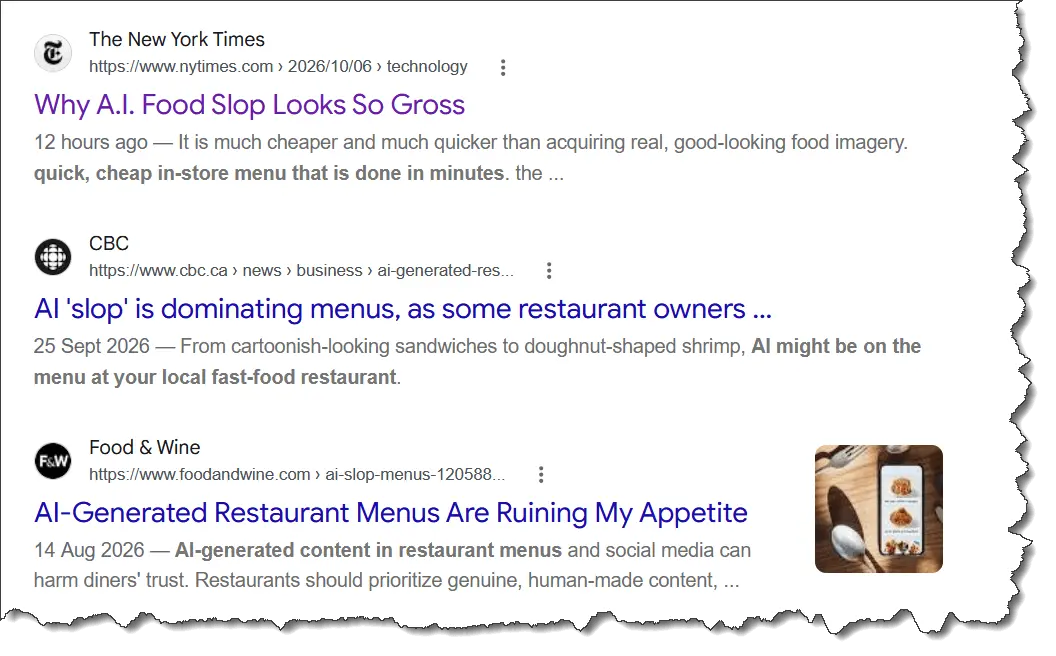
Which is why there are articles like these…
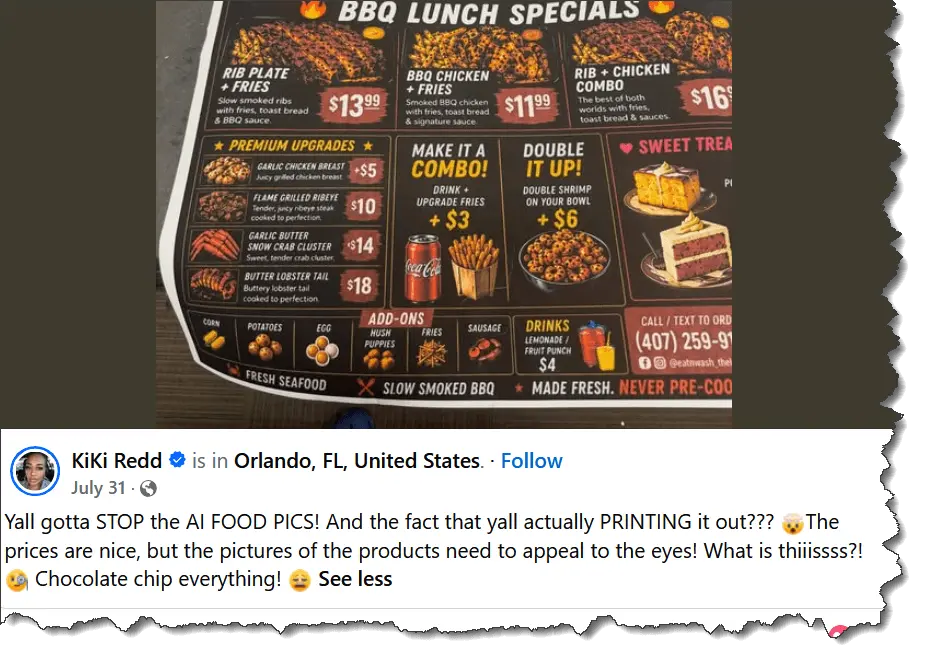
And people like KiKi are making posts like these all over social media…
I can’t blame them, because for decades, people have seen professionally designed images like the ones below…
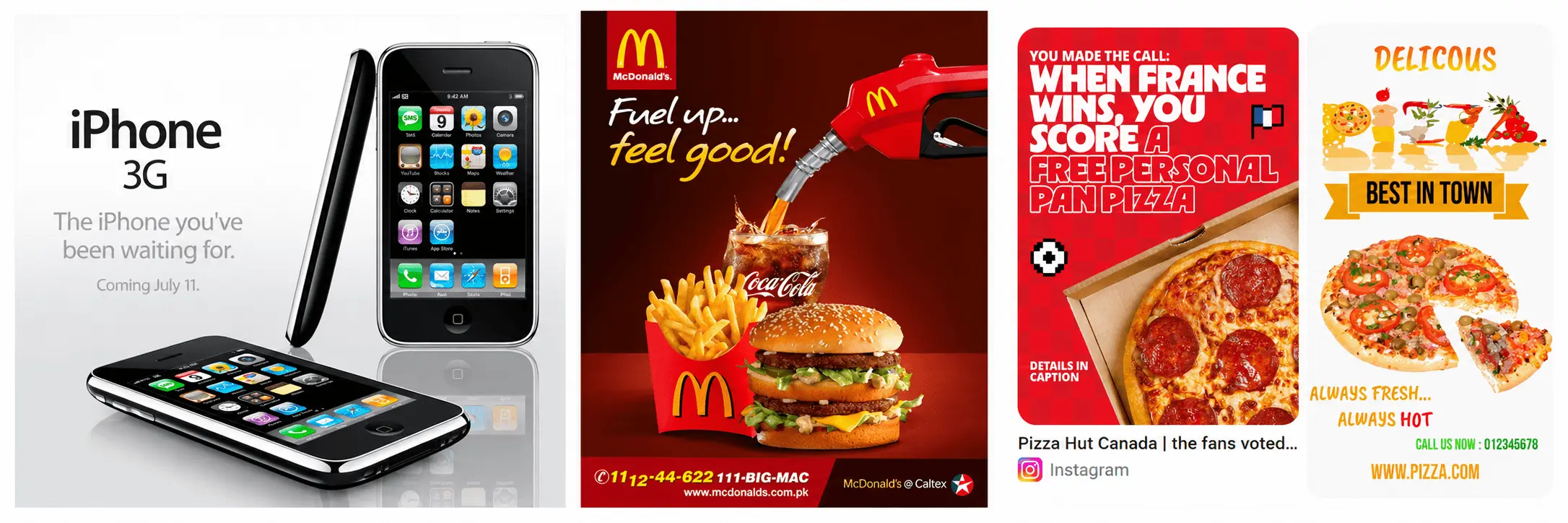
But these days, messy AI-generated images are everywhere and most look ghastly!
I’ve seen readers/authors ranting about AI book covers. I’ve seen countless people hating on restaurants that use AI images on their menus, and so on.
It’s almost as if you lose all credibility the moment you use AI.
The general consensus is that you’re too broke or too cheap to pay for a professional designer. Ahem… which might be true, but that’s not the point.
In the online marketing space, images like these are the norm…

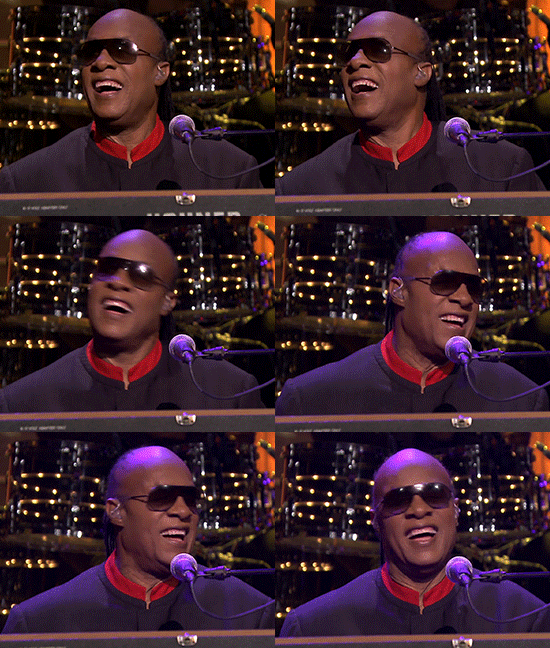
One look and even Stevie Wonder will start singing, “Ayyyy Eyeeeeee!”
Now, paying for a professional graphic designer can be expensive. And even if you hire someone on Fiverr, that clown too might use AI.
So let’s not ditch AI completely. Instead, let’s use it to clean up its own wretched slop.
And I’m going to show you how to do that in 2 steps. Because His Excellency Arun doesn’t like to over-complicate things… unlike AI.
Step #1 – Download My Prompt
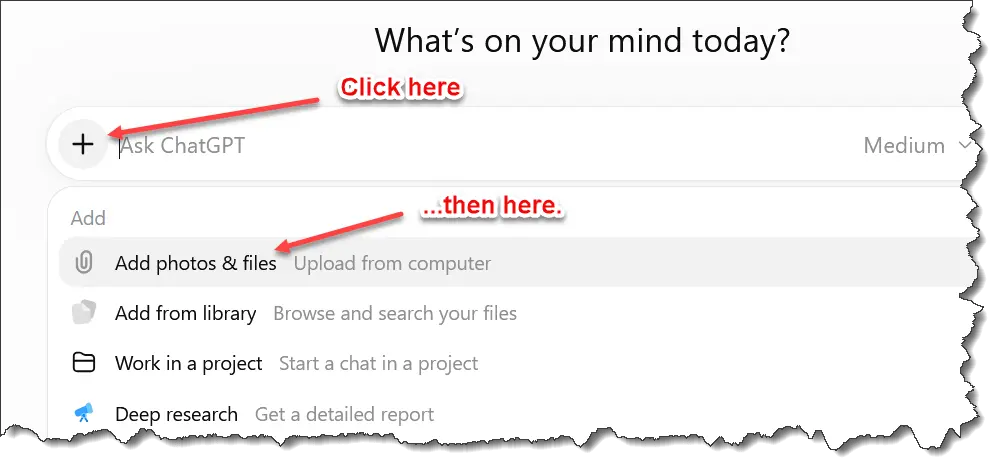
Step #2 – Attach Image and Apply My Prompt
Now, I’ll assume that you already have an AI-generated image. This prompt will clean it up.
Example #1
I have this atrocious image. So ugly I feel like asking Sam Altman for my $20 monthly fee back.

I’ll upload the image to ChatGPT and use the prompt…
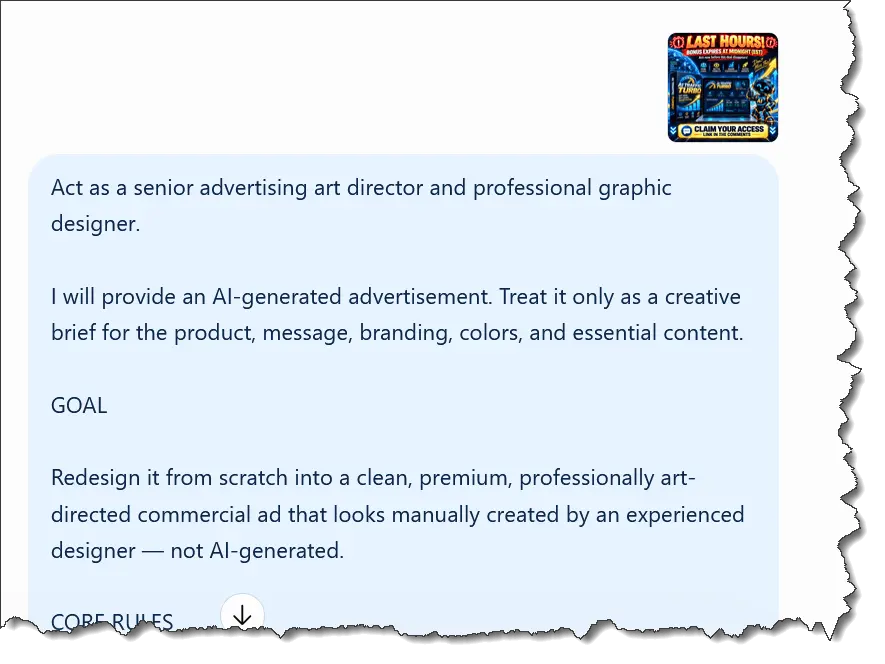
Aannnnndddd… Boom!
A cleaner image.

If we put them side by side, you’ll immediately see the stark difference. One is shit… and the redesigned one is less shit much better!
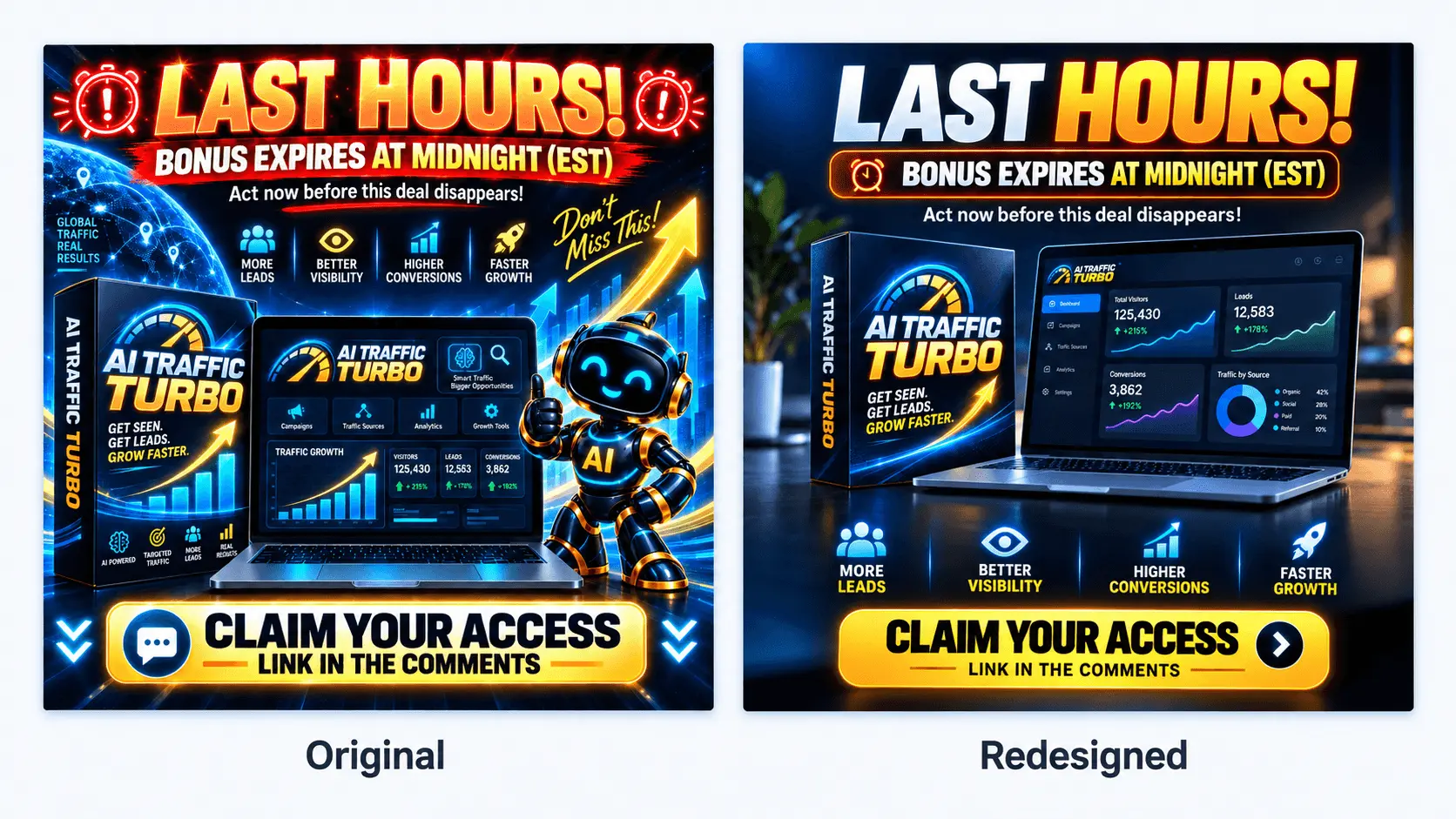
Let me be clear here – redesigned AI-generated images will still look AI-generated. That’s just where we are right now.
The goal here isn’t to look like an expert graphic designer.
We’re simply using AI to create cleaner, less cluttered images that look more professional – and more respectable than me.
And that’s exactly what this tutorial is about. Making the problem a little less ugly. So, don’t expect to be the next Picasso.
Example #2
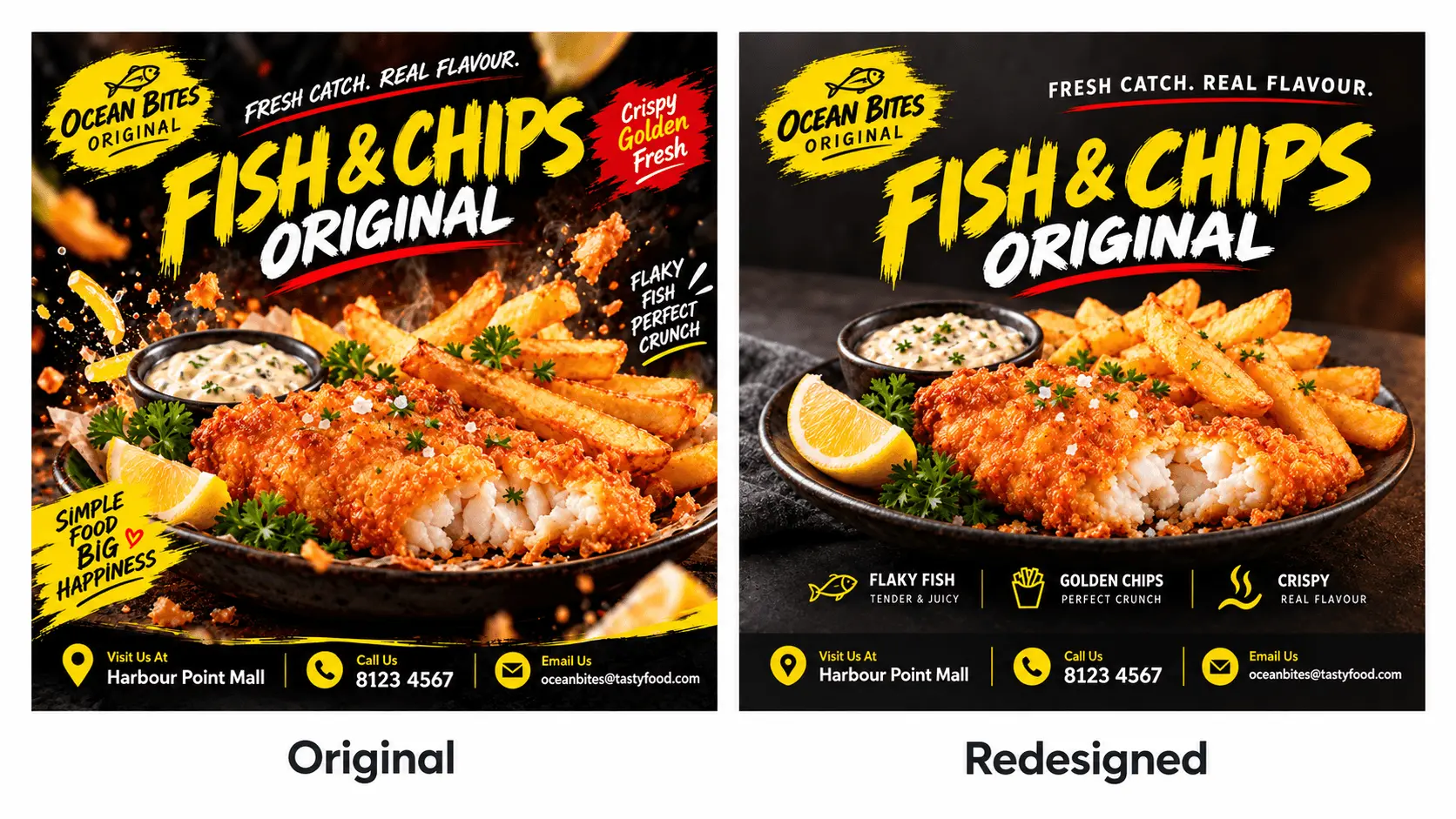
I have a horrendous image of some fish and chips here.
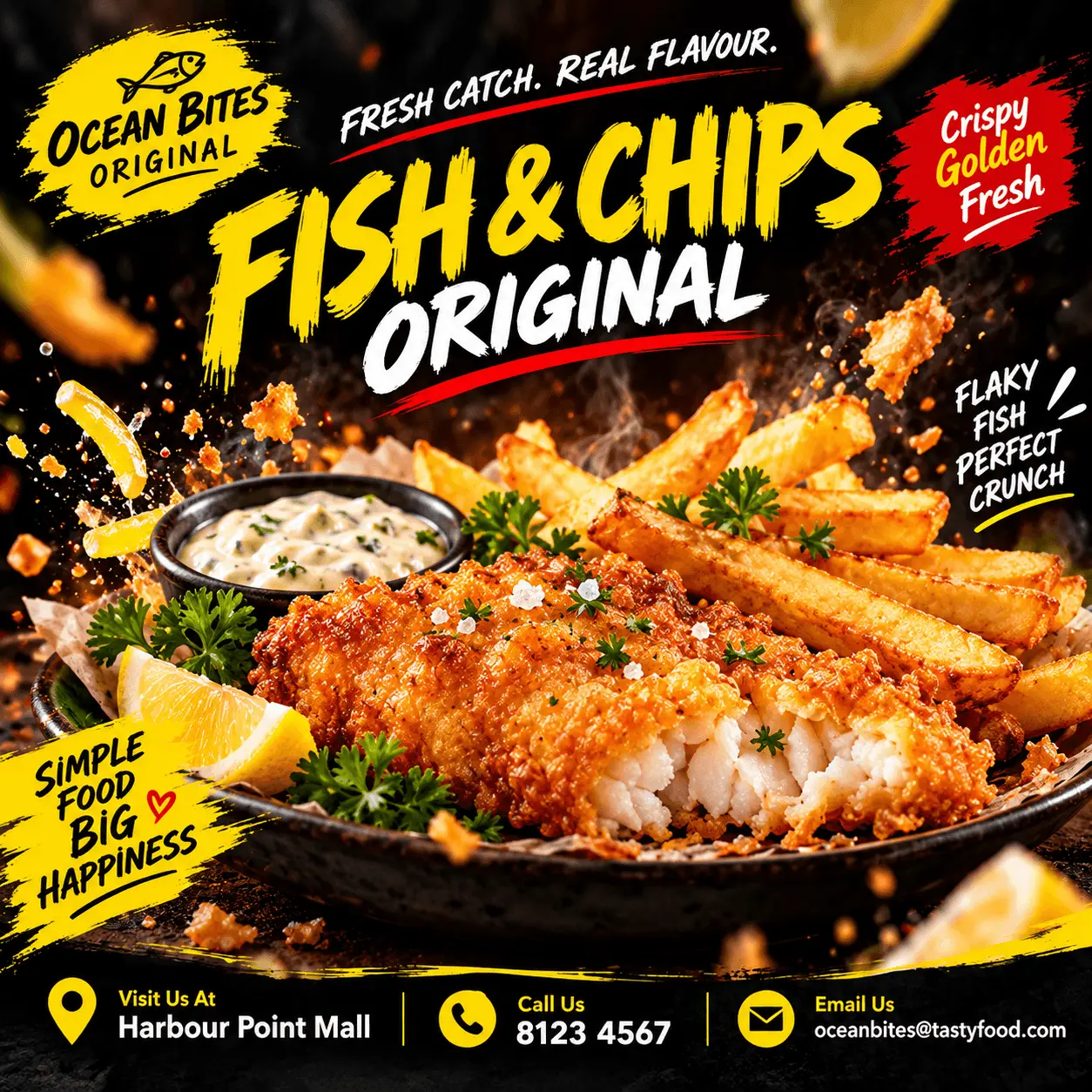
Looks like Putin bombed the hell out of it. But worry not. We’ll fix it.
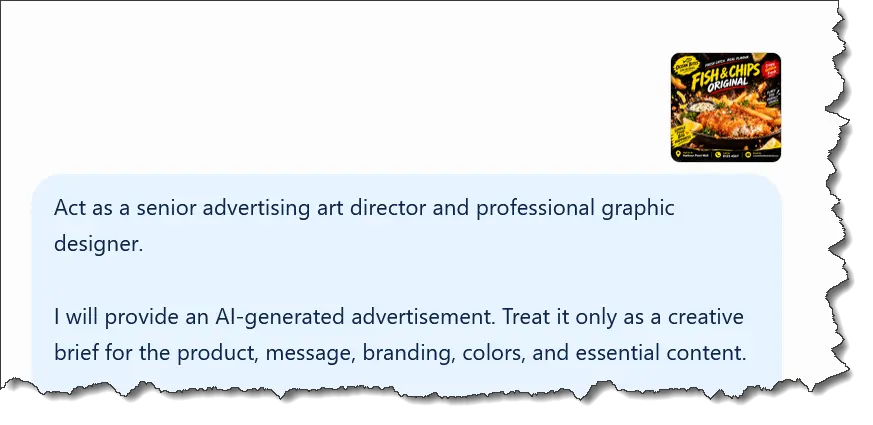
Once again, I’ll upload the image to ChatGPT and run my prompt…
And now we have this much CLEANER image!
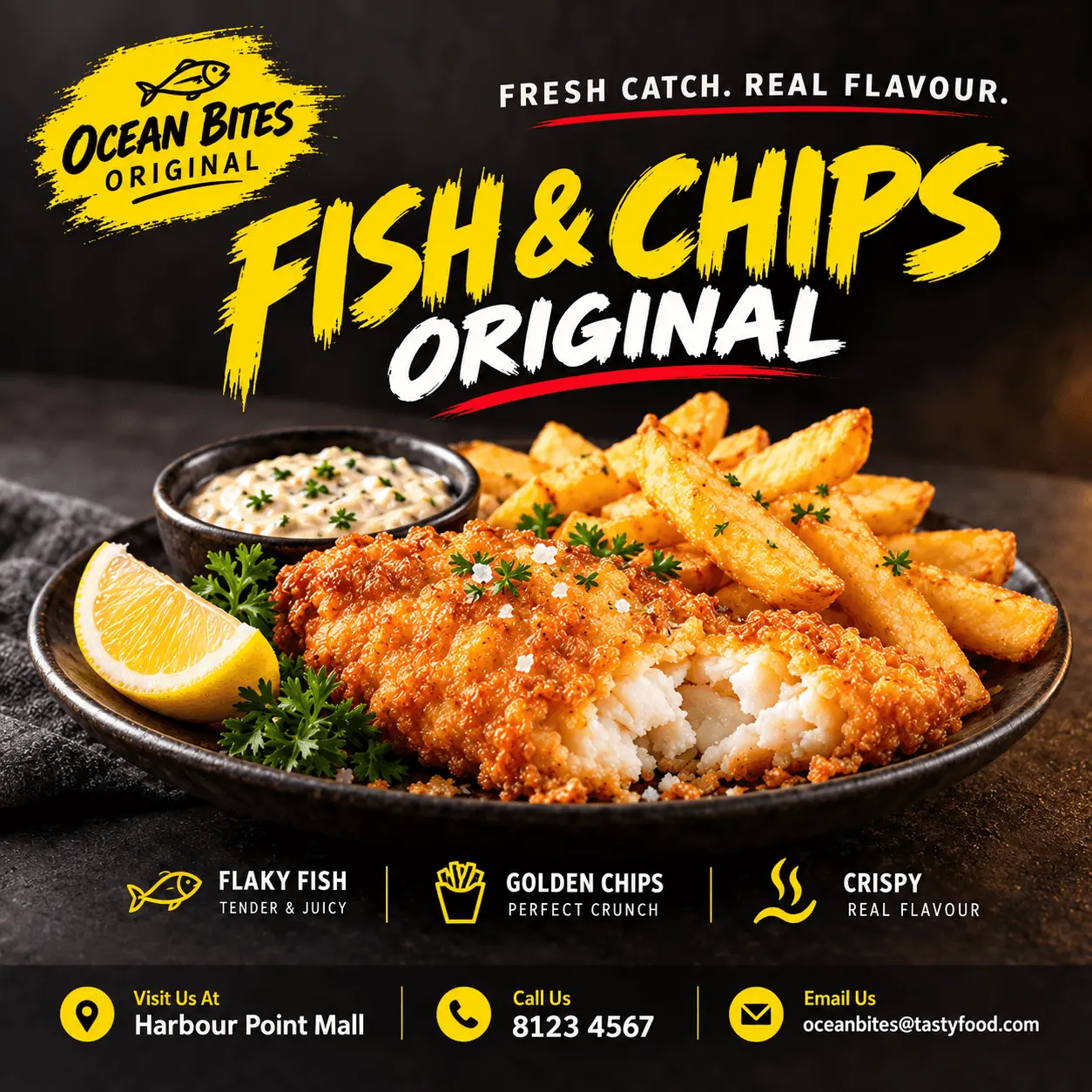
And side by side…
Final Example
You know the drill by now… wretched image…

Upload and use my prompt…
Ta daaaah!
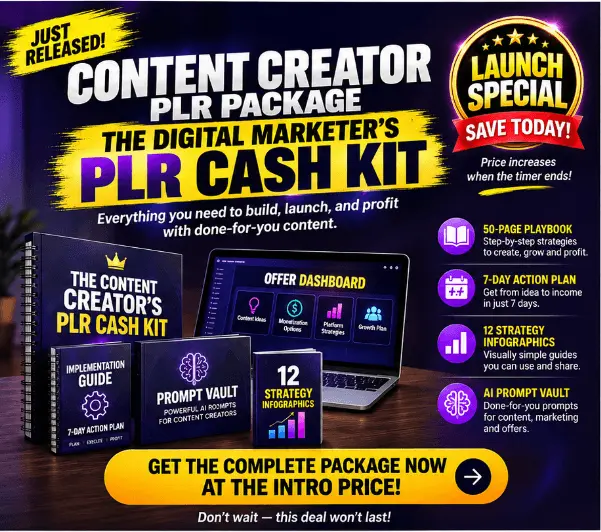
Doesn’t seem like a big difference until you place them side by side…
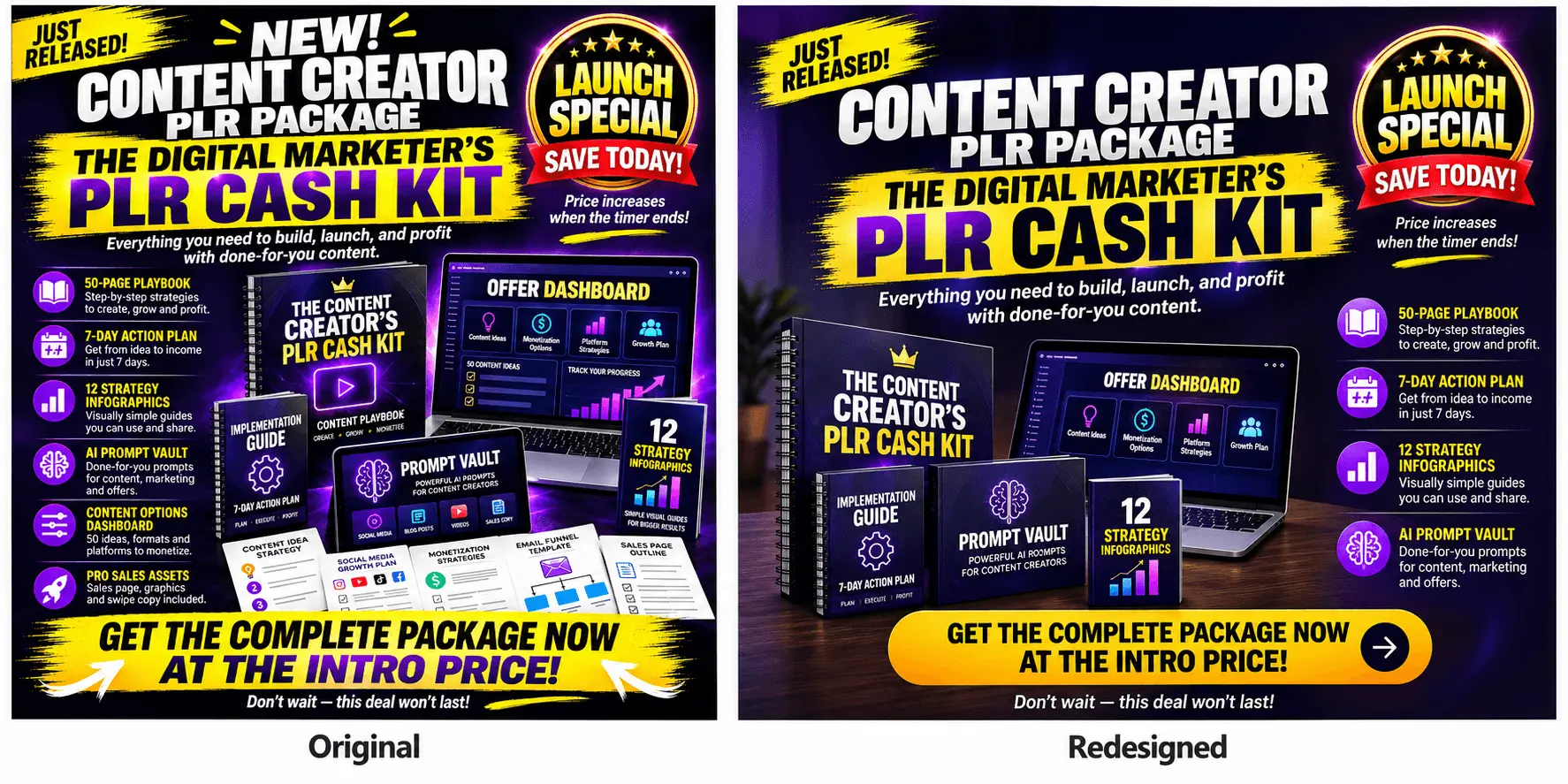
Then you realize just how cluttered the original really was.
And that’s a wrap. Three examples to show you the prompt and this 2-step method work.
So use it and transform your little AI monstrosities into cleaner designs that can almost rival Sydney Sweeney’s good looks. Maybe.